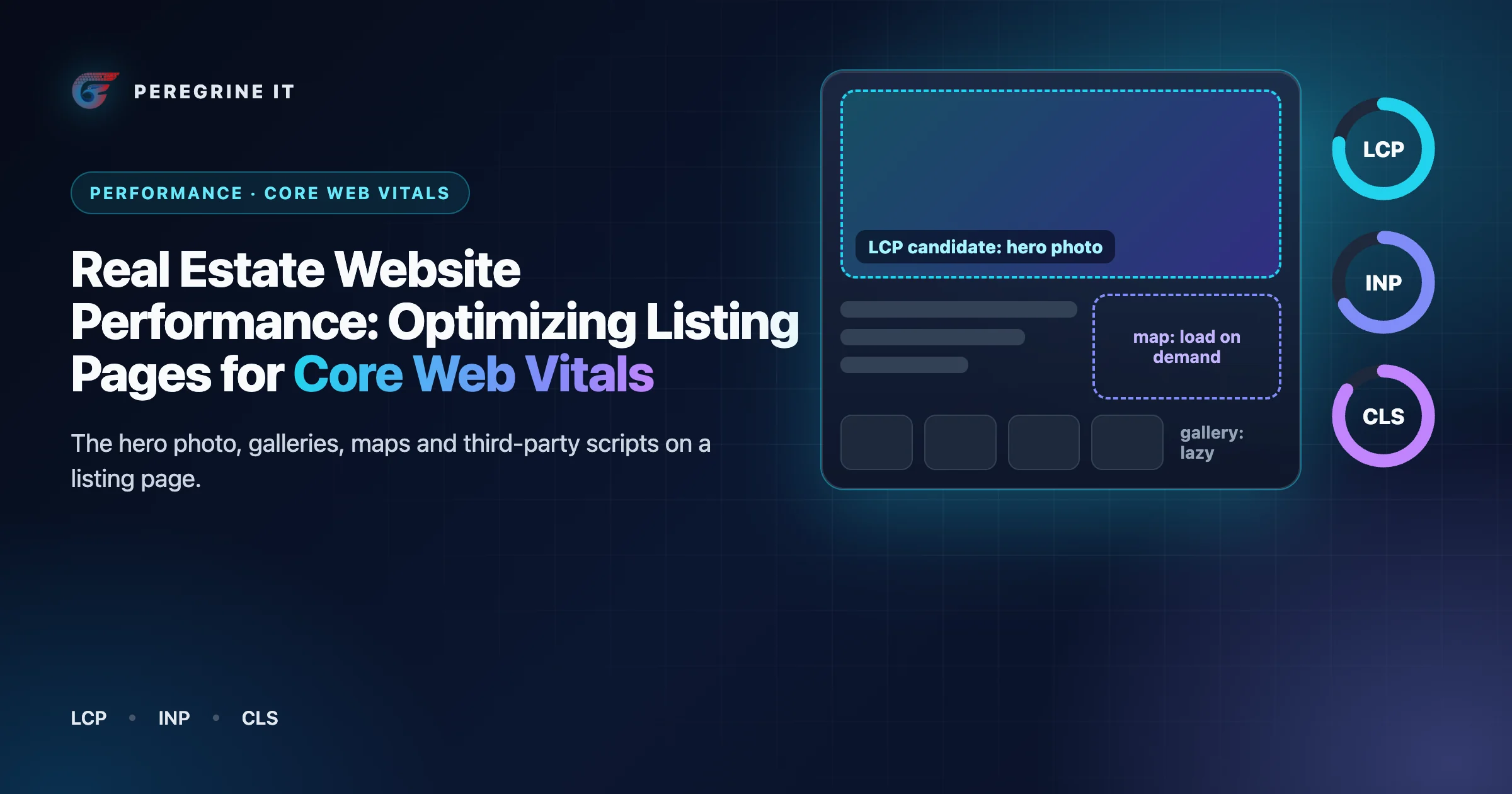
Three templates, three different problems
A real estate site is mostly three page templates repeated many thousands of times, and each strains a different metric. A listing detail page is a large photograph followed by dozens more, a map and a contact form: its risk is the time until the first photo appears and the layout moving as the rest arrives. A search results page is filters, a map and a list that re-render together when a checkbox changes: its risk is responsiveness. An area page is statistics and a grid of listing cards, often with embedded charts: its risk is layout shift and script weight.
So "make the site faster" is not one task. It is a per-template budget and a set of build decisions that hold on every page generated from the template. Our SEO, AEO and GEO guide covers what Google says about Core Web Vitals and ranking; this article is the implementation side. Examples use Next.js because its documentation states the relevant behavior precisely; the principles apply to any server-rendering framework. No measured result for any site appears here: the numbers that matter are the ones from your own visitors.
The three metrics and their thresholds
Core Web Vitals are three measurements, each with a published target. As read on web.dev on October 13, 2026:
| Metric | What it measures | "Good" threshold | Template most at risk |
|---|---|---|---|
| Largest Contentful Paint (LCP) | Loading: the render time of the largest image, text block, or video visible in the viewport | within 2.5 seconds of when the page first starts loading | Listing detail (the hero photo) |
| Interaction to Next Paint (INP) | Responsiveness: it observes the latency of all interactions a user has made with the page | 200 milliseconds or less | Search results (filters, map, list) |
| Cumulative Layout Shift (CLS) | Visual stability: unexpected movement of visible elements | maintain a CLS of 0.1 or less | All three (photos, maps, embeds, late banners) |
The target is not an average. web.dev sets the bar at the 75th percentile of page loads, segmented across mobile and desktop devices, and says a page passes when it meets the targets at the 75th percentile for all three.
Field data and lab data answer different questions
There are two kinds of measurement. web.dev's definitions: lab data is collected in a controlled environment with predefined device and network settings; field data is collected from the real users visiting your site. The thresholds above are judged on field data.
- CrUX is the public field dataset. The Chrome User Experience Report reflects how real-world Chrome users experience popular destinations on the web. A page or origin is included only if it is publicly discoverable and sufficiently popular.
- PageSpeed Insights shows both kinds for a URL. Its field section is CrUX data over the previous 28-day collection period; its lab section is a Lighthouse run. Lab data is useful for debugging issues, as it is collected in a controlled environment, while field data is useful for capturing true, real-world user experience - but has a more limited set of metrics.
- The web-vitals library is how you collect your own field data. It is a tiny (~3K, brotli'd), modular library for measuring all the Web Vitals metrics on real users, in a way that accurately matches how they're measured by Chrome. In Next.js, the
useReportWebVitalshook can be used in combination with your analytics service.
Listing sites have a particular reason to collect their own. An individual listing page is live for a limited time and may have few visitors, so it can lack page-level data in CrUX. When that happens, PageSpeed Insights will fall back to origin-level granularity, which encompasses all user experiences on all pages of the website. The number you then see for a listing URL blends the homepage, blog, search and every listing. It cannot tell you that listing detail pages have an LCP problem while search pages have an INP problem. Your own measurements, tagged with the template name, can.
Lab and field also disagree for structural reasons. The LCP element identified in a lab test may not be the same LCP element users see, and a lab run that loads a page without clicking anything says nothing about how the filter panel responds. Use the lab to find causes and prevent regressions; use the field to decide whether there is a problem.
A listing detail page, annotated
The annotations, top to bottom:
- Hero photo (LCP, CLS). The first photo is the LCP candidate. It is an
imgin the server HTML, loaded eagerly at high priority, with dimensions that reserve its space. - Other photos (deferred). Photos 2 onward are lazy and are fetched as the visitor reaches them.
- Price, facts and actions (INP). The text is server HTML. Save, Contact and the gallery arrows are the first things people tap, so their handlers are small and there is little script to hydrate.
- Map (deferred, CLS). The map script loads when the map is visible or tapped; a placeholder holds the final size.
- Similar homes (deferred). Streamed after the main content, with lazy images.
- Chat and tag scripts (deferred, INP). Loaded after the page is interactive, or when the browser is idle.
Rendering strategy: get the HTML out early, with the photo in it
LCP cannot be better than the time it takes the HTML to arrive. web.dev breaks LCP into four subparts and gives a guideline in which time to first byte and the resource load each take roughly 40% on a well-optimized page, with the two "delay" subparts under 10% each, adding that these are guidelines, not strict rules. For server response its rough guide is that most sites should strive to have a TTFB of 0.8 seconds or less. A listing page that waits on a database, a search index and a mortgage widget before sending a byte spends that time before the photo is even requested.
The three rendering modes map onto the three templates:
- Listing detail: static with revalidation. The content is the same for every visitor and changes only when the listing does. Incremental Static Regeneration lets you reduce server load by serving prerendered, static pages for most requests and handle large amounts of content pages without long next build times. After the revalidation period, the next visitor will still receive the cached (stale) version of the page immediately while a fresh one is generated. For price and status changes, do not wait for a timer:
revalidateTagallows you to invalidate cached data on-demand for a specific cache tag, and the listing sync can call it through a route handler for the listings it changed. In the current documentation the function takes a second argument that sets how long stale content may still be served; for a caller outside a Server Action that needs the old data gone, it says to pass { expire: 0 } to expire the data immediately. - Search results: rendered per request. Filter combinations are unbounded, so the first page of results is rendered on the server for the requested criteria and cached briefly, if at all. What matters is that the result list is in the HTML, not fetched after the script loads, with only the first row of card images eager.
- Area pages: static with revalidation, on a schedule that matches how often the statistics change.
Streaming is the tool for the slow parts of any of them. Without it, Next.js notes, if you have any slow data requests, the whole route will be blocked from rendering until all the data is fetched. With a Suspense boundary or a loading.js file you can show an instant loading state from the server while the content of a route segment streams in. On a listing page, the hero photo, price and address belong in the part that is sent first. Similar homes, price history, school data and anything fetched from a third party go inside boundaries, with fallbacks of the final height so that arriving content does not shift the page.
Keep the server-rendered part large and the hydrated part small. In the App Router, pages and layouts are Server Components by default, which among other things reduce the amount of JavaScript sent to the browser. Next.js's advice is to put 'use client' on the files that define your interactive components instead of marking large parts of your UI as Client Components: the gallery controls, the save button and the contact form, but not the description, facts table or breadcrumbs.
The LCP image: the first listing photo
On a listing detail page the LCP element is usually the first photo. Four things decide how soon it paints.
1. The browser must find it in the HTML
web.dev: it's critical that the resource is discoverable in the initial HTML document response by the browser's preload scanner, which is the case when the LCP element is an img whose src or srcset attributes are present in the initial HTML markup. A gallery component that renders an empty container and inserts the photo after its script runs fails this, however fast the script is. The same guide warns about the other common mistake: never lazy-load your LCP image.
2. It must be requested at high priority
Images do not start at the top of the browser's queue. Fetch Priority exists for this: boosting the priority of the LCP image by specifying fetchpriority="high" on the image element, causing LCP to happen sooner. In Next.js the props changed in version 16, which matters if you maintain older code. The Image documentation says that starting with Next.js 16, the priority property has been deprecated in favor of the preload property, where preload inserts a preload link in the document head, and adds that in most cases, you should use loading="eager" or fetchPriority="high" instead of preload. Apply it to one image per page. Marking the first five gallery photos as high priority makes them compete with each other.
3. It must be the right size and format
MLS photos arrive large. Serve a width that matches the slot. In Next.js, sizes tells the browser how wide the image will be at each breakpoint, and omitting it has a cost: if sizes is missing, the browser assumes the image will be as wide as the viewport (100vw). This can cause unnecessarily large images to be downloaded. For format, the Image component negotiates by the browser's Accept header; WebP is the default and you can enable AVIF support in configuration. One caution from web.dev: if the photo is discovered late, shrinking it wouldn't actually improve LCP because the time would just shift to another subpart. Fix discovery and priority first.
4. Its space must be reserved
Photos without dimensions are the first cause web.dev lists for layout shift, with the instruction to always include width and height size attributes on your images and video elements or reserve the space with CSS aspect-ratio. The Next.js Image component requires width and height (or fill inside a sized container), which it uses to reserve space for the image and avoid layout shift during loading. MLS photos come in mixed aspect ratios, so give the hero slot a fixed ratio and fit the photo inside it, and store each photo's pixel dimensions when the media worker downloads it.
Illustrative: a hero photo in a Next.js 16 Server Component. Names, sizes and breakpoints are examples.
import Image from 'next/image';

export function HeroPhoto({ photo, address }) {
  return (
    <div style={{ position: 'relative', aspectRatio: '3 / 2' }}>
      <Image
        src={photo.url}                  // your own storage or CDN, not the MLS media URL
        alt={`Front of ${address}`}
        fill
        sizes="(max-width: 768px) 100vw, 66vw"
        loading="eager"                  // never lazy for the LCP image
        fetchPriority="high"             // one image per page
        style={{ objectFit: 'cover' }}
      />
    </div>
  );
}
Where the photo is served from matters too. web.dev notes that hosting critical resources on the same origin as the document lets them save time by reusing the existing connection. Photos copied to your own storage can be served that way, or at least from a hostname you control; a hot link to a third-party media host cannot. Some feeds also require your own copy of media: see the media stage of the MLS data pipeline architecture guide.
Galleries and carousels: one photo now, the rest when asked
A listing can have dozens of photos. The gallery's job at load time is to show one and stay out of the way.
- Slides are HTML, not script output. web.dev calls using JavaScript to initiate the loading of carousel content probably the single biggest performance mistake to avoid when using carousels. The first slide is a plain image in the markup.
- Everything after the first slide is lazy. The browser's
loading="lazy"defers a resource until it reaches a calculated distance from the viewport, and it is the Next.js Image default. The caution is the mirror image of the LCP rule: don't lazy-load images that are likely to be in-viewport when the page loads. - Do not put every image element in the first response. Lazy loading saves the downloads, not the markup. Render the first slide and its neighbors, and add slides as the visitor advances.
- The full-screen viewer is a separate bundle. Zoom, swipe physics and thumbnail strips are needed only after a tap. Lazy loading in Next.js helps improve the initial loading performance of an application by decreasing the amount of JavaScript needed to render a route; load the viewer with
next/dynamicon first interaction. - No autoplay. Autoplaying carousels with non-composited animations have, in web.dev's words, the potential to cause infinite CLS.
- A fixed frame. The slide area keeps one aspect ratio whatever the photo, so moving from a landscape photo to a portrait one does not move the price and the contact button.
Maps are expensive; load them when they are wanted
An interactive map is a script, a stylesheet, tile requests and often a billing event, placed on a page where, as web.dev observes about map embeds generally, many users may not interact with them.
- Listing detail and area pages: a facade. Show a static map image, or a placeholder with the address and an "open map" control, in a box of the final size. In web.dev's words, a facade is a static element that looks similar to the actual embedded third-party but is not functional and, therefore, much less taxing on the page load. Load the real map when the visitor taps it or scrolls it into view. For an iframe embed,
loading="lazy"does the same with no script; the Next.js Google Maps embed component, for example, uses the loading attribute to lazy-load the embed below the fold. - Search pages: list first, map second. Render the result list in the HTML so there is content and an LCP candidate without the map. Load the map library as a client-only component; in Next.js,
ssr: falsewithnext/dynamicwill only work for Client Components. On phones, where the list is the default view, wait until the visitor switches to the map. - Always reserve the box. A map that appears and pushes the description down is a layout shift; web.dev lists ads, embeds, and iframes without dimensions among the most common causes.
Third-party scripts: analytics, chat and tag managers
Real estate sites collect third-party scripts: analytics, a tag manager, chat, a CRM tracker, a mortgage calculator, a scheduling widget, review badges, ad pixels. Each runs on the same main thread as your filter panel. The baseline rule from web.dev: always use async or defer for third-party scripts, unless the script is necessary for the critical rendering path, and if the script doesn't add clear value to your site, remove it. Next.js turns the loading choice into a named strategy on its Script component:
| Strategy | When it loads (Next.js documentation) | Use on a listing site |
|---|---|---|
beforeInteractive | before any Next.js code and before any page hydration occurs | Almost nothing. The documentation's examples are bot detectors and cookie consent managers. |
afterInteractive (default) | early but after some hydration on the page occurs | Analytics and the tag manager, which the documentation names as good candidates. |
lazyOnload | during browser idle time | Chat, review badges, social widgets. The documentation's examples are chat support plugins and social media widgets. |
worker | (experimental) Load in a web worker | Not yet: the documentation says it is not yet stable and does not yet work with the App Router. |
Beyond the loading strategy, four practices keep third parties from eroding the work above:
- Load widgets where they are used. A mortgage calculator script belongs on listing pages, below the fold, loaded on visibility, not in the root layout.
- Use a facade for chat. A button that looks like the chat launcher and loads the real widget on click costs almost nothing until someone wants to talk.
- Govern the tag manager. It lets people outside engineering add scripts to every page without a deploy. Give it an owner, a review step and a budget, and include its tags in your measurements.
- Reserve space for anything that renders. Consent banners, promotion bars and badges that insert themselves above content shift everything below them.
Caching and the CDN
Three kinds of response are cached, with three different lifetimes.
- HTML. For statically generated pages with revalidation, Next.js sets a
Cache-Controlheader with s-maxage andstale-while-revalidate, and warns that to benefit at the edge your CDN/reverse proxy must respect these directives. Dynamically rendered pages are sent as private, no-cache, no-store, max-age=0, must-revalidate, so a search results page is not cached by the CDN unless you design it to be. Check the response headers of each template; do not assume. - Build assets. Scripts and styles with a content hash in the file name get public, max-age=31536000, immutable.
- Photos. The heaviest bytes on the site. Serve resized variants from a CDN in front of your own storage with long lifetimes and versioned URLs, so a replaced photo gets a new URL instead of a purge. Decide whether resizing happens in the application or in a separate image service; the tech stack guide covers that choice.
Cached pages make invalidation part of correctness. A listing that goes under contract must not show as active for the length of a cache lifetime, so the sync that records the change should also invalidate the listing page, the area pages that count it, and any cached search responses. Tie cache tags to listing and area identifiers from the start.
Peregrine's real estate SaaS case study describes a Next.js frontend optimized with ISR, dynamic imports and image optimization through S3 and a CDN.
INP on filter-heavy search pages
A search page is the most interactive page on the site, and the final INP value is the longest interaction observed, ignoring outliers, so one slow filter click can set the number. web.dev splits every interaction into three subparts: input delay, processing duration and presentation delay. Each has a typical cause on a search page.
- Input delay: the main thread is busy. The visitor taps a filter while the page is still hydrating or a third-party script is executing. web.dev defines the unit: any task that takes longer than 50 milliseconds is a long task, and the browser cannot respond while one runs. Hydration is often such a task on a server-rendered page; in Next.js's description it is React's process for attaching event handlers to the DOM, to make the static HTML interactive. The less of the page that is a client component, the less there is to hydrate. Keep result cards as server output and hydrate only the filter panel, the sort control and the save buttons.
- Processing: the handler does everything at once. A checkbox handler that updates state, rewrites the URL, re-renders fifty cards, recomputes the map markers and fires analytics events before returning risks missing the threshold on a mid-range phone. Paint the cheap feedback first (the checkbox, a pending state on the list), then do the expensive work in a separate task. In React,
useTransitionlets you render a part of the UI in the background, which suits the list update. - Presentation: too much to draw. Replacing a long list means a large layout and paint. Render a bounded number of cards, keep card markup light, and avoid re-creating map markers that did not change.
Also debounce text inputs and range sliders so that a drag is one search, cancel superseded requests so a late response does not trigger a second full re-render, and keep analytics calls out of the handler's synchronous path. The request side of this is covered in building map-based property search.
Measuring and setting a budget
web.dev's definition is a good starting point: a performance budget is a set of limits imposed on metrics that affect site performance. For a listing site we would set it per template and per device class, with two layers.
| Layer | What it limits | Where it is checked |
|---|---|---|
| Outcome budget | LCP, INP and CLS at the 75th percentile, per template, on mobile and desktop, against the published "good" thresholds | Your field data, reviewed weekly and alerted on |
| Input budget | The things that cause the outcomes: script shipped per template, bytes of the hero image at each breakpoint, number of third-party origins, images requested before interaction | The build and a lab run in continuous integration, failing the change that breaks it |
The outcome thresholds are published. The input limits are yours to set: measure the current state of each template, decide what you are willing to defend, and write the numbers down. We do not suggest figures because they depend on your design and audience. The process:
- Report LCP, INP and CLS from real visitors with the web-vitals library, tagging each report with the template and the device class.
- Use the library's attribution build, which lets you send additional data to help you debug why the metric values are the way they are: which element was the LCP, which interaction was slow.
- Look at the 75th percentile per template, not the site average, and reproduce the worst template in the lab on a throttled mid-range profile.
- Fix the cause, add an input budget that would have caught it, and watch the field number over the following four weeks, because public field data is a 28-day window.
Area and neighborhood pages: the same rules, applied
- Statically generated with revalidation; statistics computed ahead of the request, not during it.
- The heading and summary text can be the LCP element; if a banner image is, it follows the hero photo rules.
- Charts render as server-side SVG or images where possible; an interactive chart library loads on visibility.
- Listing card images are lazy with dimensions, and the grid keeps a stable height while loading.
- Embedded maps and school or transit widgets use facades and reserved boxes.
- Late-inserted elements (consent bar, promotion bar) have reserved space or overlay the page instead of pushing it.
Frequently Asked Questions
What are the Core Web Vitals thresholds?
As published on web.dev: LCP within 2.5 seconds of when the page first starts loading, INP of 200 milliseconds or less and CLS of 0.1 or less, each assessed at the 75th percentile of page loads, segmented across mobile and desktop devices.
Why does PageSpeed Insights show the same field data for every listing page?
Because a single listing page rarely has enough visits to appear in the Chrome UX Report on its own. In that case PageSpeed Insights will fall back to origin-level granularity, which encompasses all user experiences on all pages of the website. To see how one template performs, collect your own field data and tag it by template.
Does Next.js still use the priority prop for the hero image?
The Image documentation says that starting with Next.js 16, the priority property has been deprecated in favor of the preload property, and that in most cases you should use loading="eager" or fetchPriority="high" instead of preload.
Thresholds, definitions and framework behavior were read from the linked web.dev, Chrome, Google, React and Next.js pages on October 13, 2026 (Next.js documentation at version 16.4.0). They change; check the current pages for the version you run. No performance result is claimed for any site. The code sample is illustrative and was not built.
Rebuilding listing, search or area pages on Next.js? See our Next.js development service. Every project starts with a 30-minute technical discovery call with an engineer.
